3D Cartoon Image Generator
Generate 3D cartoon images directly inside Studio. Guests can preview the workflow and SEO content, while signed-in users access the full workspace.
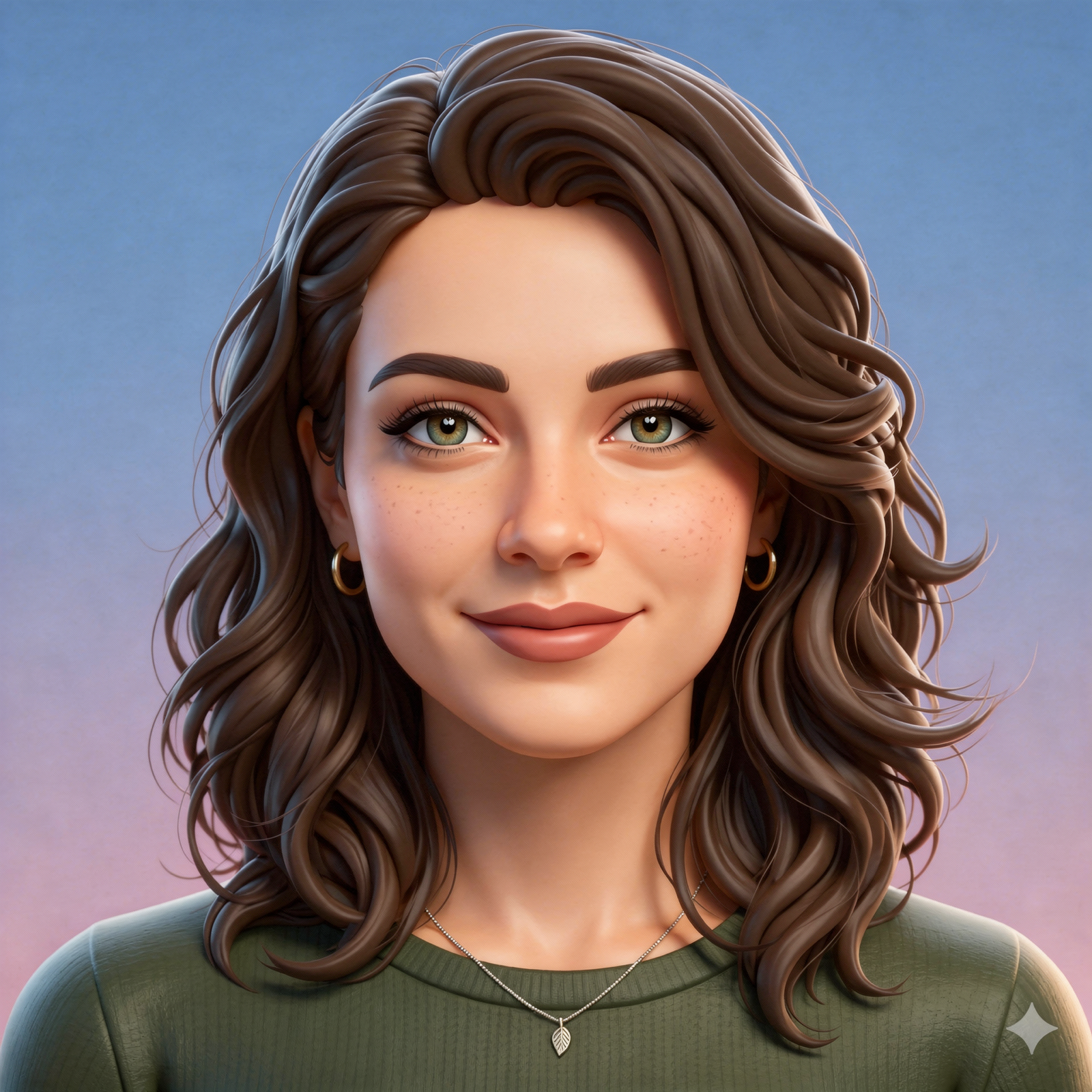
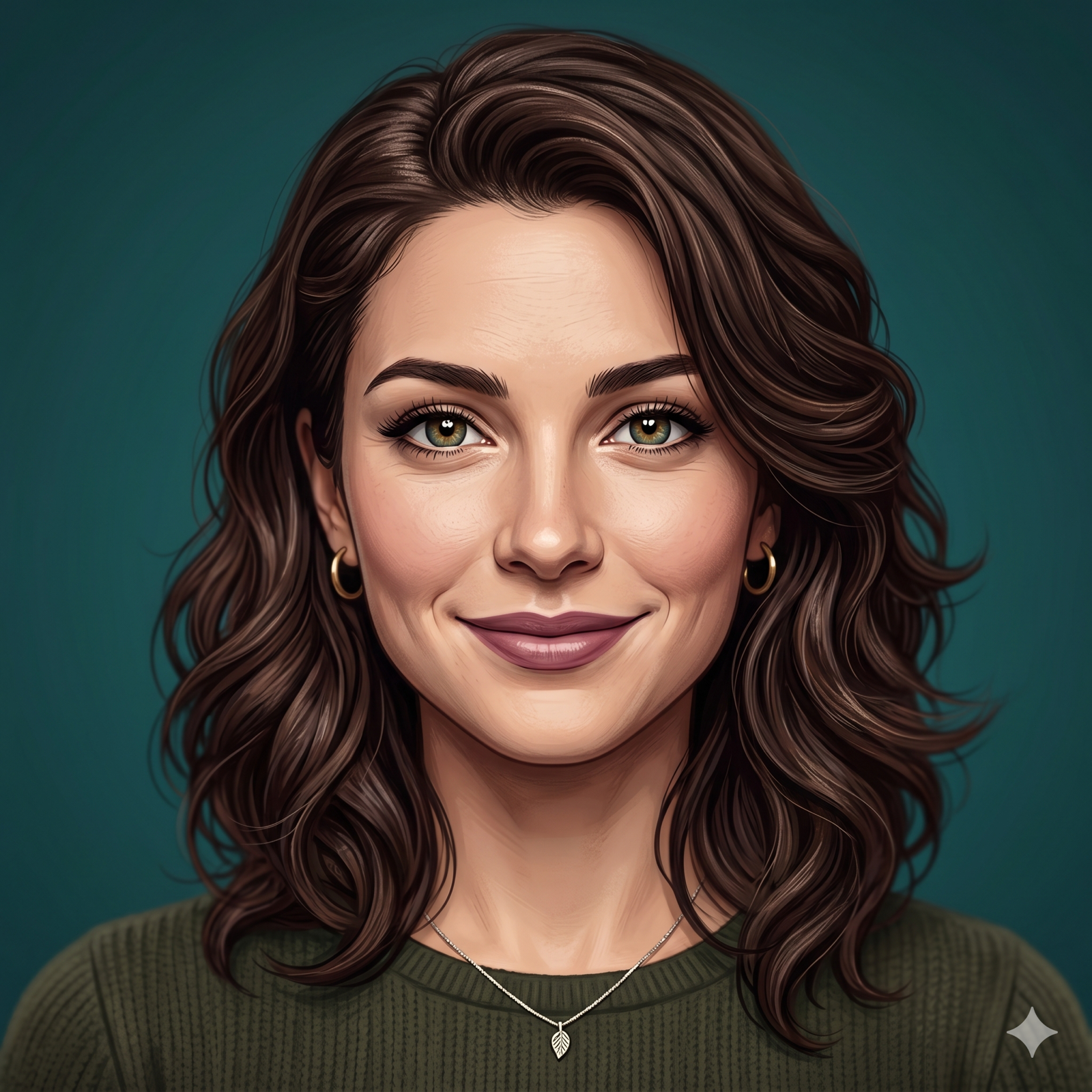
What this tool is good at
These modules appear only in the guest experience to support discovery traffic and SEO.
Text to image
Turn a single prompt into a 3D cartoon hero image.
Image to image
Upload a reference image and convert it into a more unified 3D cartoon style.
Five presets
Switch between profile, animal, low-poly, clay, and toy styles with one click.
PNG download
Preview the result in place and download a PNG for covers or social assets.
Example gallery
Use curated examples to show what the tool can do instead of stacking generic copy.
Creator avatar system
Keep character proportions, lighting, and tone consistent across a social profile set.
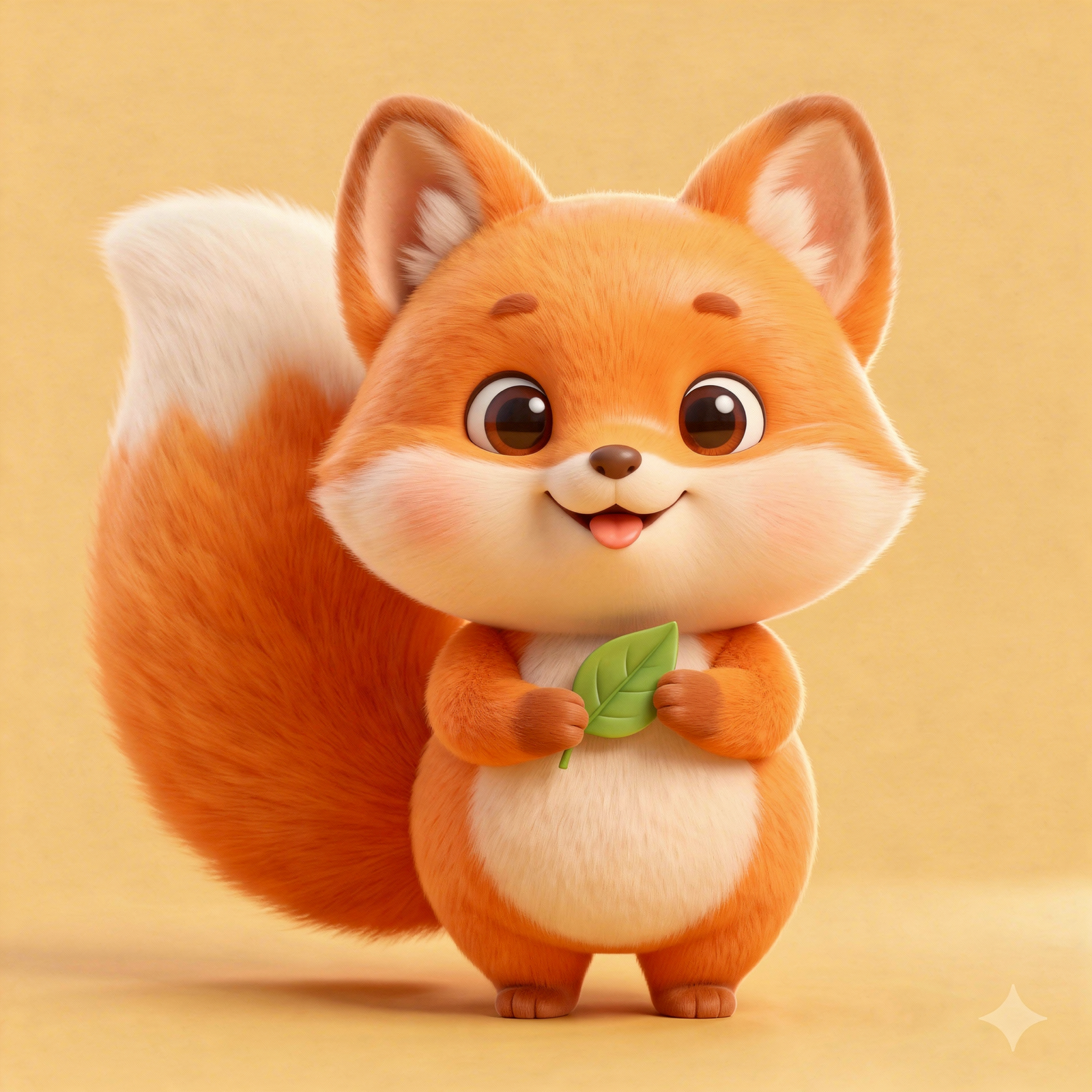
Mascot pack
Turn a brand animal into a friendly 3D cartoon mascot.
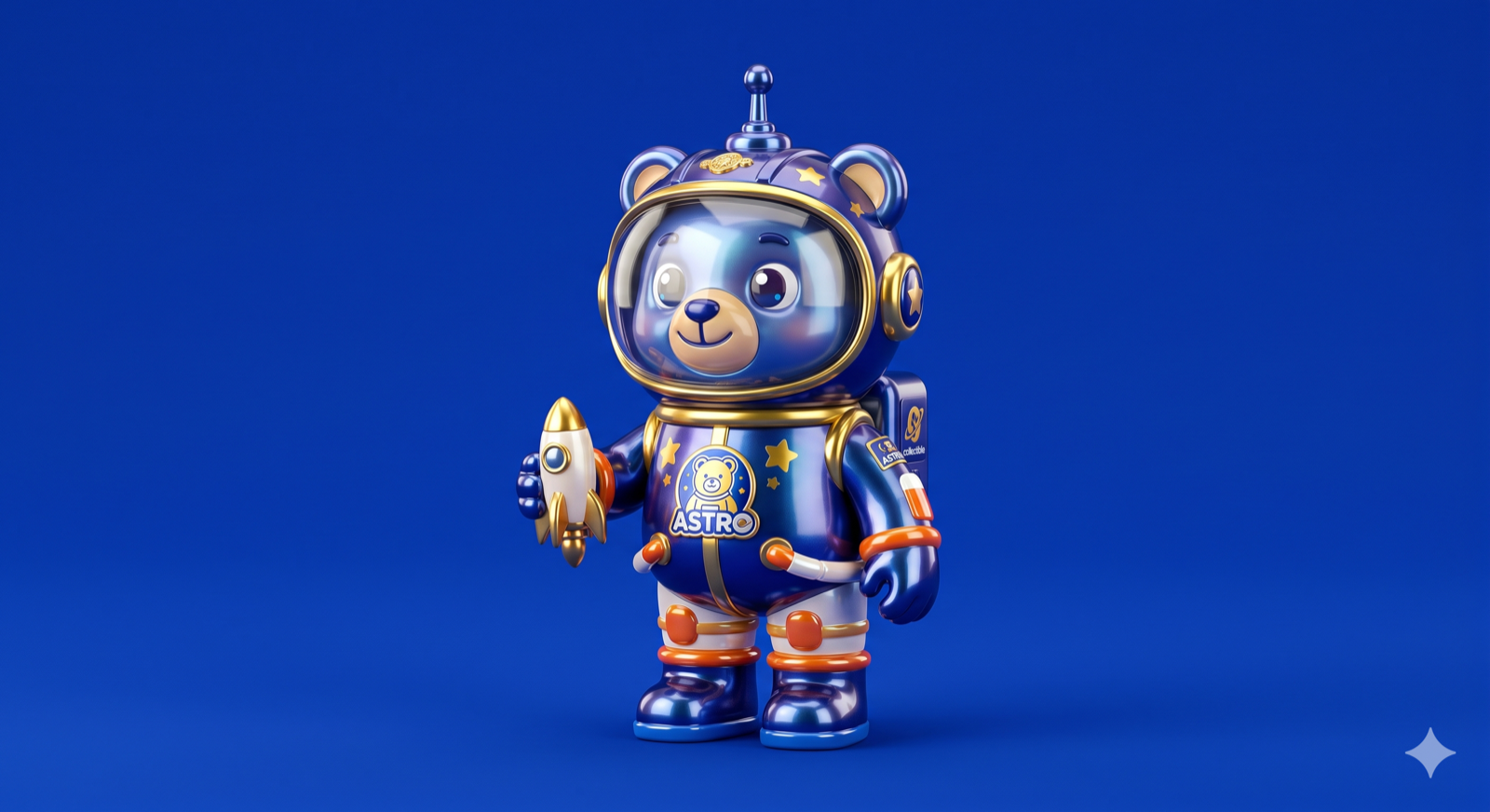
Toy product visual
Useful for collectible toy concepts, cover art, and marketing key visuals.
How it works
The AI provider handles image generation, while Studio owns interaction, preset management, and downloads.
Choose a mode
Text-to-image works for concept creation from scratch, while image-to-image fits reference-driven restyling.
Lock a preset
Each preset appends style keywords automatically so you spend less time tuning prompts.
Generate and download
Review the result in place and save the PNG once it looks right.
FAQ
The FAQ stays in the guest view for SEO while keeping the signed-in workspace quieter.